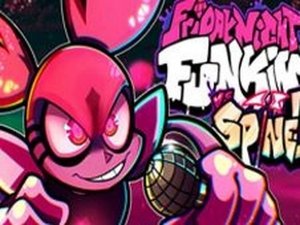
Samurai Jack Rhythm Battle
Review
FNF VS Samurai Jack captures the core of rhythm gaming with original songs and a clear visual interface. The two modes provide variety, and the difficulty curve keeps you engaged without being frustrating. It is a clean, well-made mod that offers good replay value for fans of the genre. A solid choice for casual play.
About This Game
Game Introduction
FNF VS Samurai Jack Online Arcade Game is a family-friendly rhythm game inspired by the Friday Night Funkin modding community. In this game, you take on the role of a character who challenges Samurai Jack to a musical battle. The game offers two modes: story mode, which follows a narrative arc, and free play, where you can practice any unlocked song. Each track features original music and custom animations, giving a fresh feel to the classic FNF formula. Developed by independent creators, the game is open-source and designed to be safe for players of all ages. The simple premise and engaging beat-matching mechanics make it a great choice for both rhythm game fans and newcomers.
How to Play
To start, select either story mode or free play from the main menu. You control the character on the right side of the screen. As the song plays, arrow symbols float upward above your character. When a symbol reaches the target zone, press the corresponding arrow key on your keyboard. For example, press the up arrow when the upward arrow aligns. Try to hit each note accurately to build a combo. If you miss too many notes in a row, you will lose the round and need to restart. Practice each song to improve your timing and learn the patterns. The controls are simple, so you can focus on enjoying the music.
Game Features
Fun rhythm battles with original music. Two game modes: story and free play. Easy-to-learn arrow key controls. Custom animations and visual style. Open-source and family-friendly design. Suitable for all ages.
Tips for Success
To succeed, practice each song to learn its unique rhythm patterns. Focus on hitting notes accurately rather than quickly, as building a long combo is key to winning. Use free play mode to practice difficult sections without the pressure of story mode. Pay attention to the visual cues on screen to anticipate upcoming arrows. Take breaks between sessions to avoid fatigue and improve your focus. Most importantly, enjoy the music and have fun with the challenge.