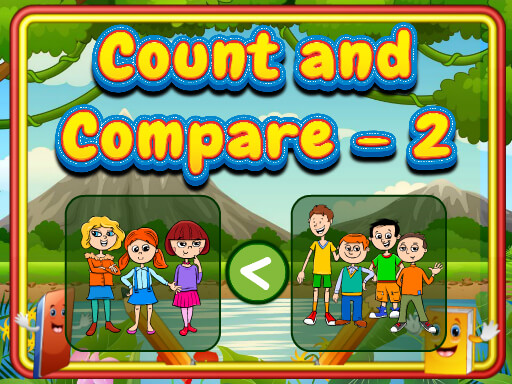
Count And Compare Puzzle
Review
Count And Compare 2 offers a clean, focused experience for young learners. Each puzzle presents two sets of objects, and children count them before selecting the correct comparison sign. The game provides immediate feedback, which helps reinforce learning. The visuals are cheerful and not distracting. Because there are no timers or scores, children can practice without anxiety. This makes it suitable for both home and classroom use. The unlimited puzzles mean kids can play as long as they want, building repetition that strengthens number sense. It is a reliable tool for parents and teachers who want to support early math skills in a fun, safe way.
About This Game
Game Introduction
Count And Compare 2 is an online puzzle game designed to help young children practice counting and understand basic comparisons. Each round shows two bright pictures filled with different items, such as fruits, animals, or shapes. Players count the items in each picture and then choose the correct sign: greater than, less than, or equal to. The game presents clear visual feedback, making it easy for kids to learn from their choices. With no time pressure or complex instructions, children can explore at their own pace. This game is ideal for preschoolers and early elementary students who are beginning to work with numbers. The cheerful graphics and simple interface keep kids focused and motivated. Parents and teachers can use it as a gentle introduction to math concepts or as extra practice at home or in the classroom.
How to Play
Start by looking at the two pictures shown on the screen. Each picture contains a set of objects. Count the items in the left picture and then count the items in the right picture. Below the pictures, you will see three comparison signs: greater than, less than, and equal to. Tap the sign that correctly compares the two amounts. For example, if the left picture has five apples and the right has three apples, choose the greater than sign. If the numbers are the same, choose equal to. After each answer, the game shows if you are correct and moves to the next puzzle. The game continues with new pictures and different object counts, helping children practice counting and comparison repeatedly. There is no timer, so kids can take their time to count carefully.
Game Features
Bright, child-friendly visuals that capture attention. Simple tap controls suitable for young fingers. No ads or inappropriate content. Unlimited puzzles for repeated practice. Immediate feedback on each answer. Helps develop counting, number recognition, and comparison skills. Works on desktop and mobile browsers. Free to play with no downloads required.
Tips for Success
Encourage children to count each item one by one to avoid mistakes. If a child struggles, start with smaller numbers and gradually increase difficulty. Use the immediate feedback to discuss why an answer was correct or incorrect. Practice regularly to build confidence and speed. Celebrate correct answers to keep the experience positive and motivating. For teachers, pair the game with hands-on counting activities to reinforce learning.