Naruto Shippuden Coloring Book
Review
This coloring game captures the charm of Naruto Shippuden without any complexity. The controls are responsive, and the palette offers enough variety to create unique pieces. It is ideal for short sessions or longer creative periods. The lack of pressure makes it suitable for all ages. Replay value comes from the multiple scenes and characters available.
About This Game
Game Introduction
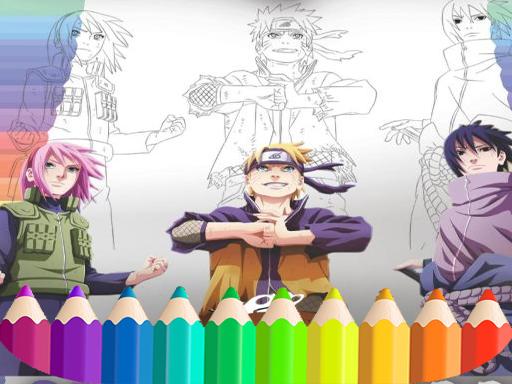
Naruto Shippuden Coloring Book: draw Book Ninja is an online coloring game that invites fans of the popular anime series to engage with characters in a creative way. The game provides black-and-white outlines of scenes and characters such as Naruto, Sasuke, Sakura, and Kakashi. Players select colors from a palette and apply them to the outlines using simple click or touch controls. The experience is designed to be stress-free, with no timers or scores. It is suitable for children and adults who enjoy creative activities. This game offers a hands-on way to engage with the Naruto universe, making it a good alternative to passive screen time. The interface is intuitive, allowing players to focus on coloring and expressing their artistic side.
How to Play
To play, start by choosing a character or scene from the main menu. A black-and-white outline will appear on the screen. Use your mouse or finger to pick a color from the palette on the side. Click or tap on the area you want to fill, and the color will apply instantly. For more detailed work, you can draw freehand. The game includes undo and erase buttons to correct mistakes. There are no time limits, so you can color at your own pace. Once you finish, you can save the image to your device or share it with others. The controls are straightforward, making it easy for beginners and experienced players alike.
Game Features
Features include a wide selection of Naruto Shippuden characters and scenes. The color palette offers many shades to choose from. Tools like undo, erase, and freehand drawing help refine your artwork. The game saves your progress automatically. It works on both desktop and mobile browsers. There are no ads or in-app purchases, ensuring a safe environment for children.
Tips for Success
To get the most out of this coloring game, take your time and enjoy the process. Experiment with different color combinations to bring scenes to life. Use the freehand tool for small details or custom touches. If you make a mistake, the undo and erase features let you correct it easily. Save your finished artwork to share with friends or keep as a personal gallery. Regular practice can help you develop a better sense of color matching and shading.