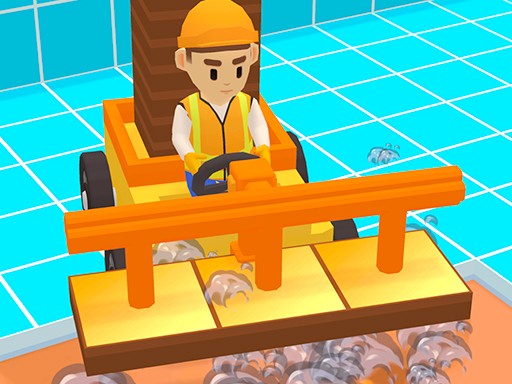
Tile City Builder Strategy
Review
Tile Building City Game offers a calm yet strategic city building experience. The focus on upgrading vehicles and buildings creates a satisfying loop of improvement. Unlocking decorations adds a creative touch. The game is easy to learn and provides a sense of accomplishment with each upgrade. Its relaxing pace makes it ideal for short sessions, and the clear progression encourages replayability. A solid choice for fans of management games.
About This Game
Game Introduction
Tile Building City Game is a relaxing city management experience that focuses on upgrading vehicles and buildings to improve overall efficiency. Players start by selecting vehicles to enhance their speed and capacity, then use gathered resources to upgrade city structures. Each upgrade unlocks new decorations and improved versions of existing buildings, making the city more vibrant and efficient. The game offers a strategic yet calming experience, perfect for those who enjoy building and optimizing virtual cities. With each step, players see their city grow and become more productive, providing a satisfying sense of accomplishment.
How to Play
To play, start by choosing vehicles to upgrade. Tap or click to improve their speed and carrying capacity. Use the resources you collect to upgrade city buildings, which in turn unlock new decorations and enhanced structures. Plan your upgrades carefully to maximize efficiency and create a visually appealing city. The game is intuitive, with simple controls that make managing your progress easy. Focus on balancing vehicle upgrades with building improvements to keep your city running smoothly.
Game Features
Features include upgradable vehicles that increase speed and capacity. City building upgrades unlock new decorations and improved structures. Gameplay emphasizes efficiency and strategic planning. The game offers a relaxing, family-friendly experience suitable for all ages.
Tips for Success
To succeed, prioritize upgrading vehicles early to gather resources faster. Then, invest in building upgrades to unlock better decorations and structures. Balance your upgrades to maintain a steady flow of resources. Regularly check your city for opportunities to improve efficiency. Take your time and enjoy the gradual progression without pressure.