Robot Design Studio: Create & Compete
Review
Robot Design Studio offers a refreshing take on strategy games by focusing on creativity. The drawing tools are intuitive, allowing players of all ages to craft unique robots. The match system rewards thoughtful design, making each victory feel earned. It's a safe, non-violent game that encourages experimentation and artistic expression. Ideal for family game time.
About This Game
Game Introduction
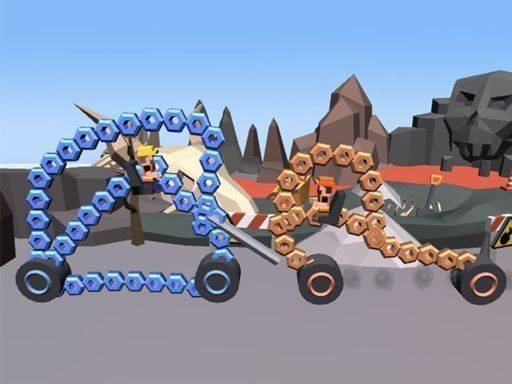
Robot Design Studio: Create & Compete is a family-friendly game that blends creative design with light strategy. Players step into the role of a robot creator, starting from a blank drawing board. Using simple tools, you can sketch, color, and customize a unique robot that reflects your personal style. The core objective is to design a robot and then see how it performs in playful matches against other robots. These matches are resolved based on the strategic elements you incorporated into your design, such as the placement of arms or special features you drew. The game provides a positive and safe environment, encouraging players of all ages to express themselves through art and thoughtful planning. Each match becomes a new adventure, rewarding imagination and clever thinking. The game stands out for its focus on creativity over violence, making it suitable for children and families.
How to Play
To begin, players access a digital workshop where they can design their robot. Using intuitive drawing tools, you can create the robot's shape, add features, and choose colors. There are no strict rules, so you can experiment freely. Once the design is complete, you save it to your collection. To start a match, you select your robot and choose an opponent from the game roster or challenge a friend. The match then plays out automatically, with the outcome determined by the strategic choices you made in your design. After the match, you earn points and can unlock new customization options, encouraging you to refine your designs and try new approaches.
Game Features
Robot Design Studio offers a robust drawing studio that allows for extensive creativity. It features automatic, strategy-based robot matches that are resolved based on your design choices. As you play, you can unlock new colors and parts to further customize your robots. The game provides a completely safe and family-friendly experience, with no violent or inappropriate content. It encourages creative expression and strategic thinking in a positive environment.
Tips for Success
To succeed in Robot Design Studio, focus on creating robots with balanced features. Consider how different parts might work together during a match. Experiment with various shapes and colors to discover what works best. Pay attention to match results to learn which design choices lead to victory. Regularly update your robot's design to keep opponents guessing. Most importantly, have fun and let your creativity guide you, as the game rewards imagination and strategic thinking.