

Creative Freedom at Your Fingertips
Style Studio: Coloring & Dress-Up provides an open-ended environment where players can experiment with visual design. The core activity involves selecting a character template and then applying various clothing items, hairstyles, and accessories. Unlike games with rigid objectives, this experience encourages freeform creativity. Players can change colors, mix patterns, and adjust the placement of elements to build a personalized look. The lack of scoring or time limits means the focus stays on artistic exploration.
Building a Wardrobe from Scratch
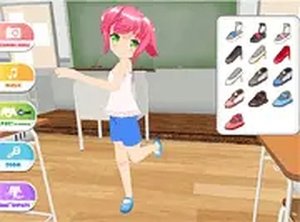
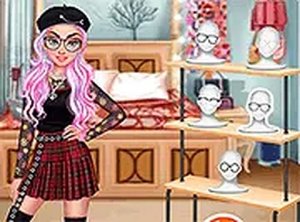
The game includes a large collection of garments and decorative items. Players can combine tops, bottoms, shoes, and headwear in countless ways. Each piece can be recolored using a broad palette, and textures like denim, silk, or lace add realism. Accessories such as glasses, jewelry, and bags further refine the character. This system allows for everything from casual everyday outfits to elaborate costume designs.
Designing the Perfect Background
Beyond the character, Style Studio offers background customization. Players can choose from several themed settings—such as a park, a bedroom, or a stage—and then color those scenes as well. This dual-layer design (character plus environment) gives each creation a complete story. The background tools include the same color and texture options, so the final image feels cohesive. Some users may enjoy creating matching outfits and backgrounds for a unified theme.
Saving and Sharing Your Art
Once a design is complete, the game provides options to save the image locally or share it with friends. This feature turns the game into a digital sketchbook where progress can be tracked over time. Sharing also opens the door for feedback and inspiration from others. Because there is no competitive element, the community aspect remains supportive and focused on creativity. Parents may appreciate that all content stays family-friendly.
Accessible Design for All Ages
The interface uses large icons and simple drag-and-drop controls, making it suitable for younger players. At the same time, the depth of customization—with hundreds of color combinations and pattern choices—keeps older users engaged. The game runs smoothly on both web browsers and Android devices, so it can be played on a computer or a tablet. No prior art skills are required, which lowers the barrier for anyone wanting to try digital design.






Comments
0 comments